
Download Gravity Bone – Secret Agent, Puzzle Platformer, First-Person Shooter
Overview
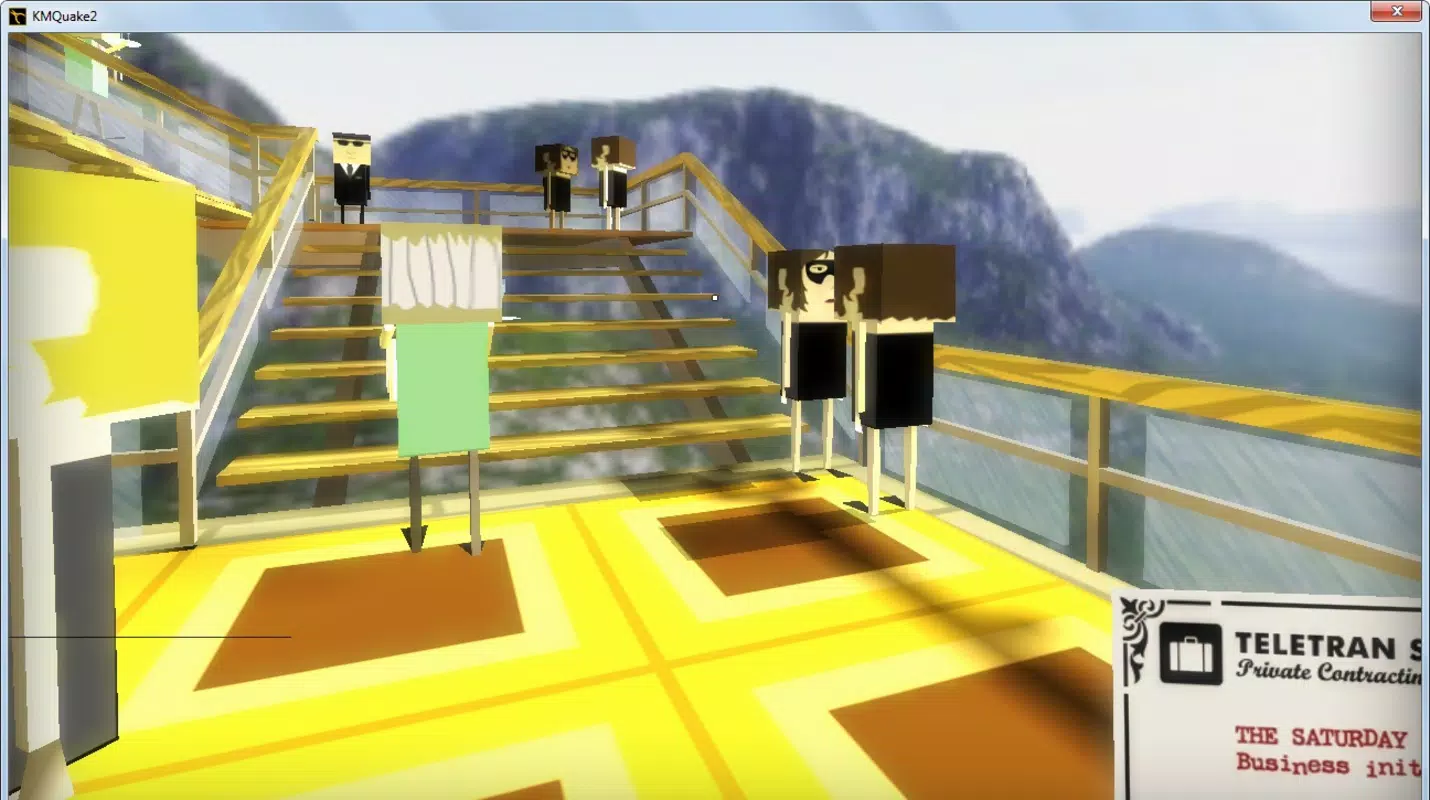
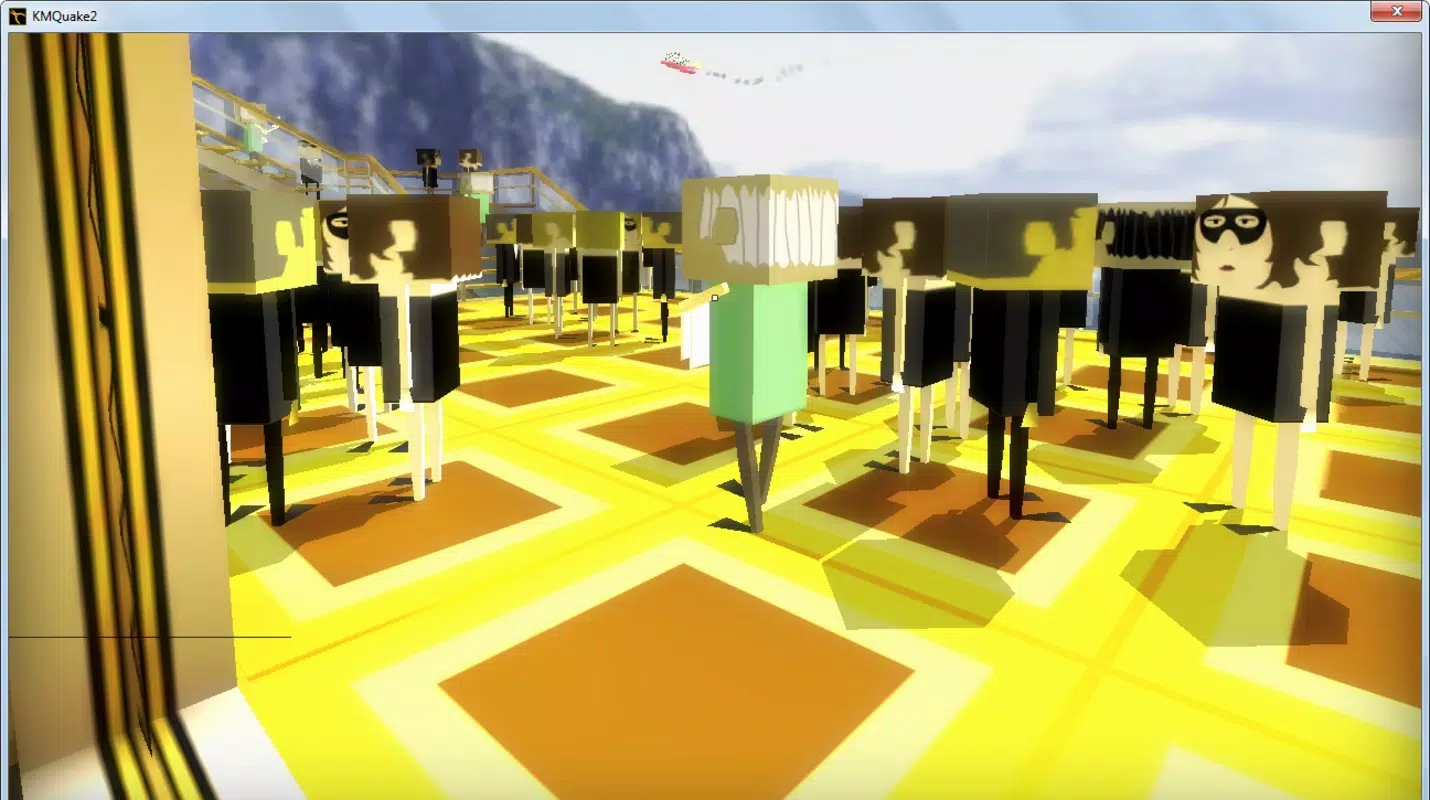
Gravity Bone is a first-person puzzle-platformer game that places players in the role of a secret agent tasked with completing unconventional missions. The game blends classic shooter mechanics with inventive platforming and point-and-click puzzle elements, creating a unique gameplay experience that stands out in the mobile gaming landscape. Players navigate through diverse scenarios—such as infiltrating a high-society party to deliver poison or discreetly photographing a suspect—requiring both stealth and strategic thinking.
The game’s focus on exploration, environmental interaction, and mission-based objectives makes it ideal for fans of narrative-driven, quirky adventures. With its humorous tone and distinctive art style, Gravity Bone offers a refreshing alternative to mainstream action titles. While the developer did not provide additional background details, the game’s release in 2011 suggests it was part of an earlier wave of indie experimental titles.
Its enduring presence indicates a dedicated niche audience. The game’s accessibility, particularly its free-to-play model, supports broad appeal, allowing players to engage with its world without financial risk. Real-world use cases include casual entertainment during downtime, mental stimulation through puzzle-solving, and immersive role-playing in a satirical spy universe.
Key Features & Functionality
- Unique Gameplay Mechanics: Gravity Bone fuses platforming with point-and-click puzzle-solving, requiring players to jump between platforms while collecting items to progress. This hybrid approach adds depth beyond traditional first-person shooters.
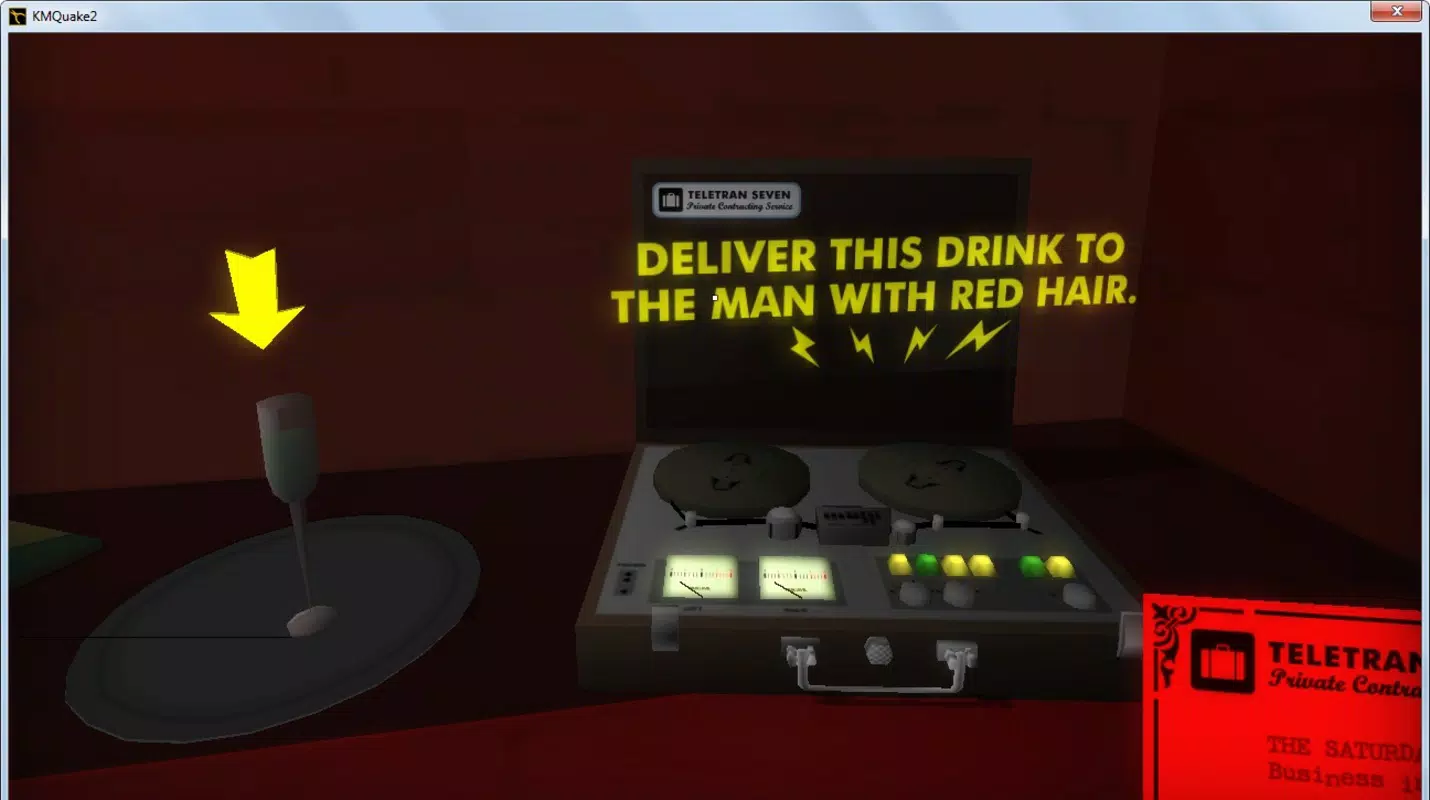
- Diverse Missions: Each mission presents a different challenge—disguising as a waiter, planting a device, or capturing incriminating photos—encouraging adaptive strategies and replayability.
- First-Person Perspective: The immersive viewpoint enhances player connection to the agent’s environment, making each decision feel personal and consequential.
- Free and Accessible: The game is available at no cost, lowering the barrier to entry and allowing a wide audience to experience its quirky world.
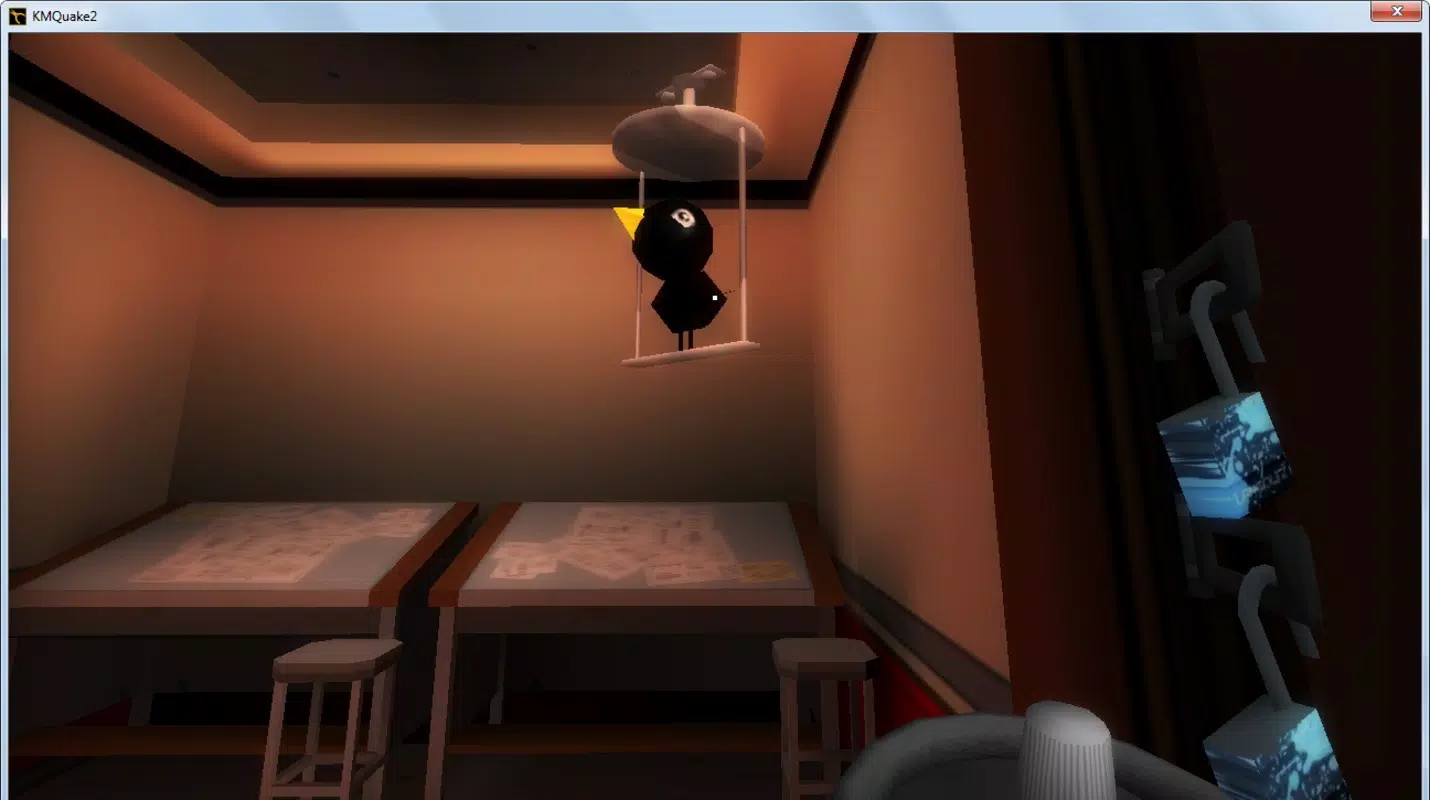
- Distinctive Art Style: The game features a peculiar, stylized visual design that complements its comedic tone, contributing to its memorable and visually appealing identity.
For example, a mission requiring the delivery of poison at a party involves blending into the crowd, avoiding detection, and timing the act precisely. Players must interact with objects, use disguises, and solve environmental puzzles to succeed. The integration of humor and creativity into each scenario ensures that gameplay remains engaging and unpredictable. These mechanics cater to players who enjoy narrative-rich experiences with a twist, offering more than just reflex-based action. The game’s structure rewards observation, patience, and problem-solving, making it a valuable tool for mental stimulation and creative thinking.
Interface, UX & Performance
The user interface of Gravity Bone is designed around simplicity and functionality, aligning with its first-person perspective. Navigation relies on intuitive controls, allowing players to move, jump, and interact with objects using minimal input. The visual layout emphasizes clarity, with key elements such as objectives and inventory displayed in a non-intrusive manner.
While the developer did not list formal performance metrics, the game’s design suggests optimization for a range of mobile devices. Its lightweight nature and consistent frame rate indicate stability across various hardware configurations. Responsiveness is maintained through efficient handling of input, ensuring that jumps and interactions feel immediate.
The game’s interface remains consistent across different screen sizes, supporting both standard and larger displays. Although the developer did not specify minimum OS requirements or compatibility details, the game’s age and design suggest broad compatibility with older Android and iOS systems. Stability is evident in the absence of known crashes or bugs in public reports.
The overall user experience is smooth, with minimal loading delays and predictable behavior during gameplay.
Platform Compatibility & Technical Requirements
Gravity Bone is available on both Android and iOS platforms, offering cross-device accessibility. The game was released on June 29, 2011, and its current version is not specified in the provided information. The file size is not disclosed, but its lightweight nature and long-standing presence suggest it requires minimal storage space.
The developer did not specify minimum OS requirements or device compatibility details. As such, users should verify system compatibility before attempting to install. The game’s release date indicates it was designed for earlier mobile operating systems, which may affect performance on newer devices.
Despite this, many retro and indie titles continue to function through emulators or compatibility layers. Players seeking to download and install the game should ensure their device supports older app formats, particularly if using modern operating systems.
Pros and Cons
Pros
- Unique blend of platforming, puzzle-solving, and first-person shooting mechanics.
- Humorous tone and distinctive visual style enhance replayability and charm.
- Free to play, making it accessible to a wide audience.
- Varied mission designs promote strategic thinking and adaptability.
- Immersive first-person perspective strengthens player engagement.
Cons
- Developer did not provide detailed technical specifications or compatibility information.
- Game was released in 2011, which may affect performance on modern devices.
- Version and file size details are not available.
- Platform availability beyond Android and iOS is not confirmed.
- No official update history or support information provided.
FAQ
Is Gravity Bone safe to download and install?
Yes, the game is considered safe when downloaded from official app stores or trusted sources. As a free mobile app with a long-standing presence, it has not been associated with malicious behavior.
Can I play Gravity Bone on iOS and Android?
Yes, the game is available on both iOS and Android platforms. However, compatibility with modern devices may vary due to its release date in 2011.
Is Gravity Bone free to play?
Yes, Gravity Bone is free to download and play, with no in-app purchases or hidden costs reported.
Does the game require an internet connection?
Based on available information, Gravity Bone does not appear to require an internet connection to function, as it operates as a standalone offline experience.
How do I update Gravity Bone?
Since no official update history or version details were provided, users should check their app store for updates. If no updates are available, the game may not be actively maintained.
Final Thoughts
Gravity Bone stands out as a clever, offbeat mobile experience that combines humor, puzzle-solving, and platforming in a first-person format. Its distinctive art style and varied mission design create a memorable adventure that appeals to fans of quirky indie games. While its age and lack of updated technical details may pose challenges for modern users, its core gameplay remains engaging and accessible.
The game’s free-to-play model and immersive perspective make it a compelling choice for players seeking something different from mainstream titles. For those interested in retro-style mobile adventures with a creative twist, Gravity Bone offers a rewarding experience. Download Gravity Bone now.


